5 Home Office Setup Mistakes to Fix Today
If you’ve ever finished a workday from home feeling more drained than you would have at the office, the problem usually isn’t you. It’s your setup.
Most home office productivity advice focuses on willpower — block distractions, time-block your calendar, take breaks. All useful. But it skips the bit that actually wears people down: a workspace that’s quietly fighting you all day. The wrong screen height, the wrong chair, cables you trip over, light that gives you a headache by 3pm.
Here are five signs your home office is working against you, and what to fix first.
1. You’re hunched over by mid-afternoon
The single most common home office mistake is putting the laptop on the desk and working from it. Laptop screens are roughly 25cm too low for proper posture. Within an hour your neck is angled forward; within four hours you’ve got a dull ache between your shoulder blades; within a week it feels normal — which is the dangerous bit.
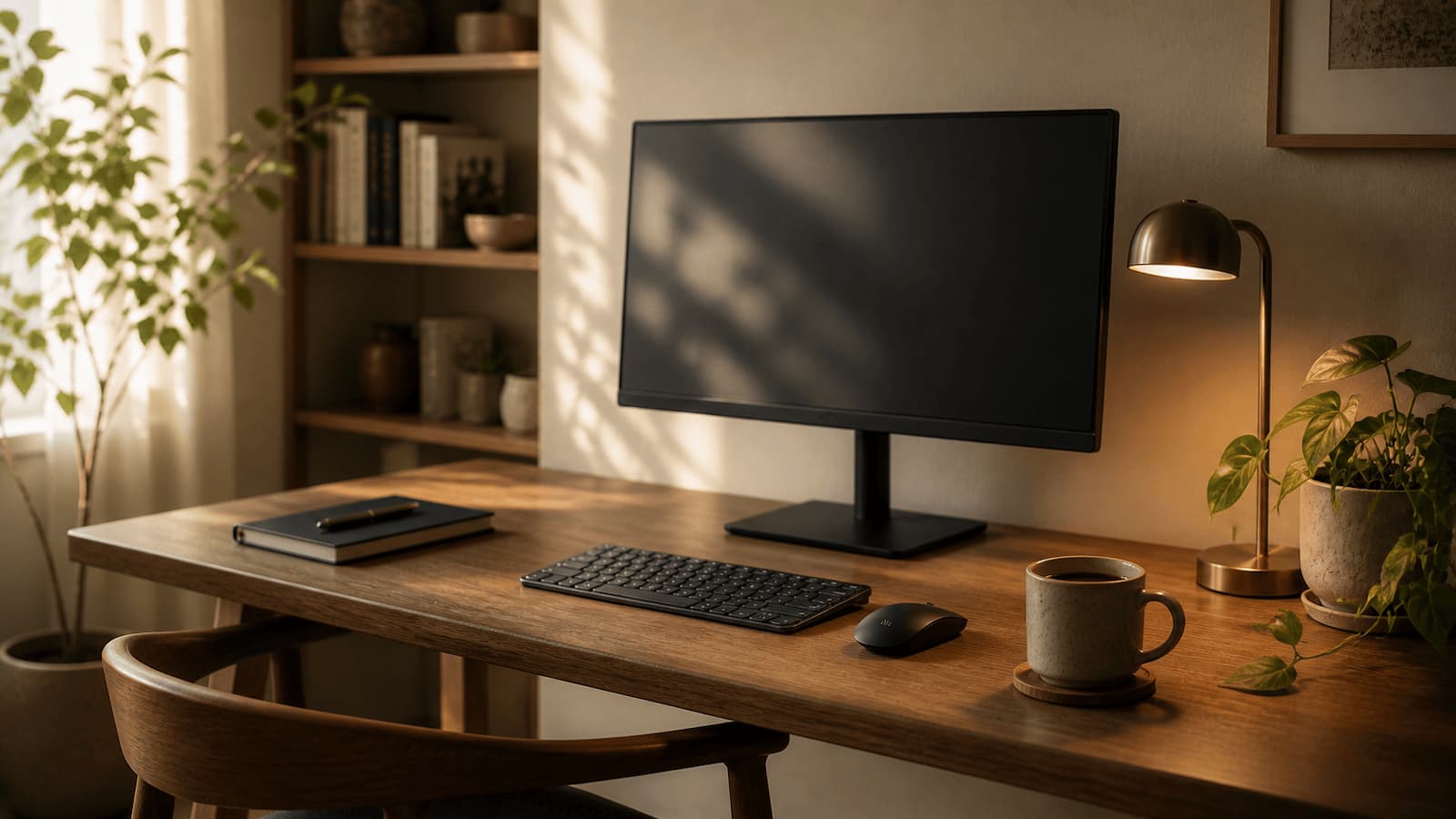
The fix is boring and cheap. Either an external monitor at eye level (top of the screen roughly level with your eyes), or a laptop stand plus a separate keyboard and mouse. Both work. The combination of monitor-on-laptop produces the worst of both worlds: a screen that’s still too low and a keyboard you have to reach over the top of.
If you’re going to fix one thing about your home office today, it’s this one.
2. Your chair is “fine”
Office chairs that came with your dining table, or that you inherited from someone, or that you bought for £40 because you were only going to be working from home for a few months — they’re rarely the right answer two years in. The clue is usually that you don’t notice the chair, but you notice that you keep shifting around in it, or that your lower back aches by Friday afternoon.
You don’t necessarily need a Herman Miller. A decent task chair with adjustable seat height, a backrest that supports the lumbar curve, and armrests that let your forearms sit roughly parallel to the desk will outperform an expensive chair set up badly. The cheapest correct fix is usually a £20 lumbar support cushion plus learning to actually adjust the chair you’ve got. The next-cheapest is a sub-£200 chair from somewhere like Autonomous or IKEA’s Markus.
A bad chair doesn’t ruin a single day. It ruins your back over years.
3. Your lighting is whatever the room came with
Most UK homes weren’t designed for someone working at a desk for eight hours a day. The overhead light is fine for hoovering and useless for screen work — usually too dim, often glaring directly into your eyes from above, and almost always the wrong colour temperature, which messes with how alert you feel.
The two fixes that actually matter: get one direct task light on your desk (a good desk lamp, ideally one you can angle), and don’t sit facing a window. Window light behind your screen creates a brutal contrast that makes your eyes work overtime — by mid-afternoon you’ll have a headache and not know why. If your desk has to face a window, a blackout blind or even a sheet of frosted vinyl on the glass solves it.
Bonus fix: if you do video calls, a small ring light or LED panel in front of you saves you looking like a hostage on every Teams meeting.
4. Your desk is a cable graveyard
Walk past most home offices and you’ll see the same thing: laptop charger, monitor cable, USB hub, phone charger, headphones, mouse cable, keyboard cable, all in a tangled heap behind the desk, with a power strip dangling somewhere. Three of the cables go to things that aren’t even plugged in any more. Two of the chargers are for devices the person no longer owns.
This isn’t an aesthetic problem. Cable chaos creates daily friction — every time you want to plug a laptop in, every time you want to move the desk, every time you drop something behind it. It also makes the desk feel mentally heavier; visual clutter measurably increases stress.
The fix is unsexy: an under-desk cable tray (£15-30), a couple of velcro cable ties, and 20 minutes once. Maybe a USB-C hub or dock if your laptop only has two ports and you need monitor + keyboard + ethernet plugged in. Once it’s done you don’t think about it again for years.
5. You can hear everything that happens in your house
The kitchen, the front door, the boiler, next door’s dog, the neighbour’s hedge trimmer. The mental cost of this is invisible but real — every interruption, even the ones you “don’t notice,” fragments your attention and makes deep work harder. People who say they can work from anywhere usually mean they can do email from anywhere; nobody does their best thinking with a Just Eat driver buzzing the doorbell every twenty minutes.
There are three levels of fix, depending on budget and seriousness. Level one: a decent pair of over-ear headphones with passive noise isolation, plus brown noise or instrumental music. Level two: active noise-cancelling headphones (Sony WH-1000XM or similar) — these genuinely work, even on a £150 budget if you go a generation or two back. Level three: actually treating the room — closed door, soft furnishings, a rug, maybe a thicker curtain. Most of the noise problem disappears with level one.
What to fix first
If you can only do one thing this weekend: get the screen to eye level. It’s the cheapest fix with the biggest health payoff, and you’ll feel it within three days.
If you can do two things: screen height plus task lighting. Together they account for the majority of “I’m tired by 2pm” complaints we’ve heard from UK home workers.
The rest can wait. Better one fix done properly than five fixes half-done — most home offices don’t need to look like a YouTuber’s setup. They just need to stop quietly draining you.